
Sketch Steps: Learn to Draw, Step by Step
Step-by-step drawing lessons for adult beginners — no prior experience, no art degree, no jargon. Just clear steps you can actually follow.
Free to start on iOS and Android.

How it works
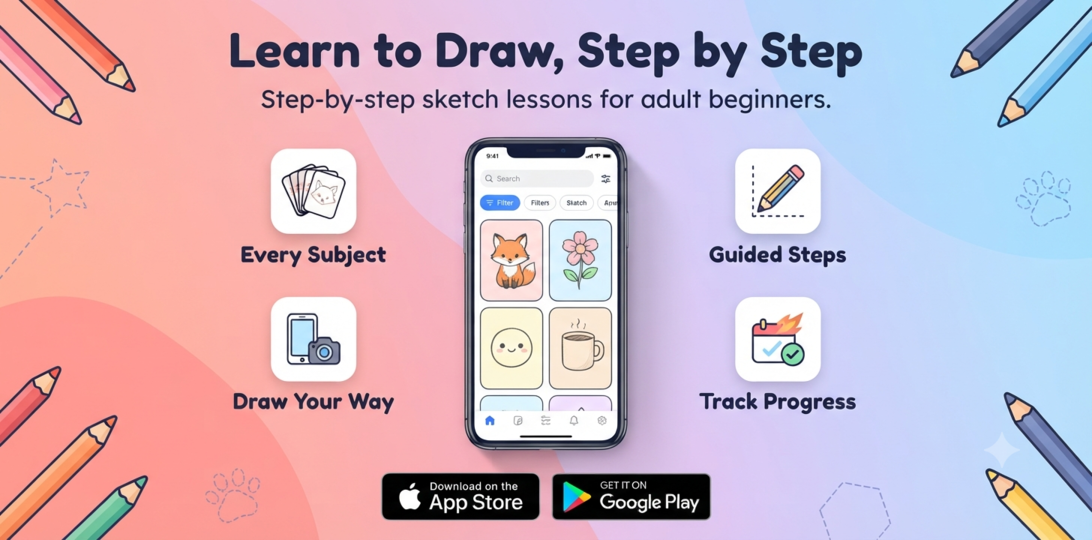
In Sketch Steps you pick a subject, follow the guided steps, track your progress, and build real skill — one lesson at a time.
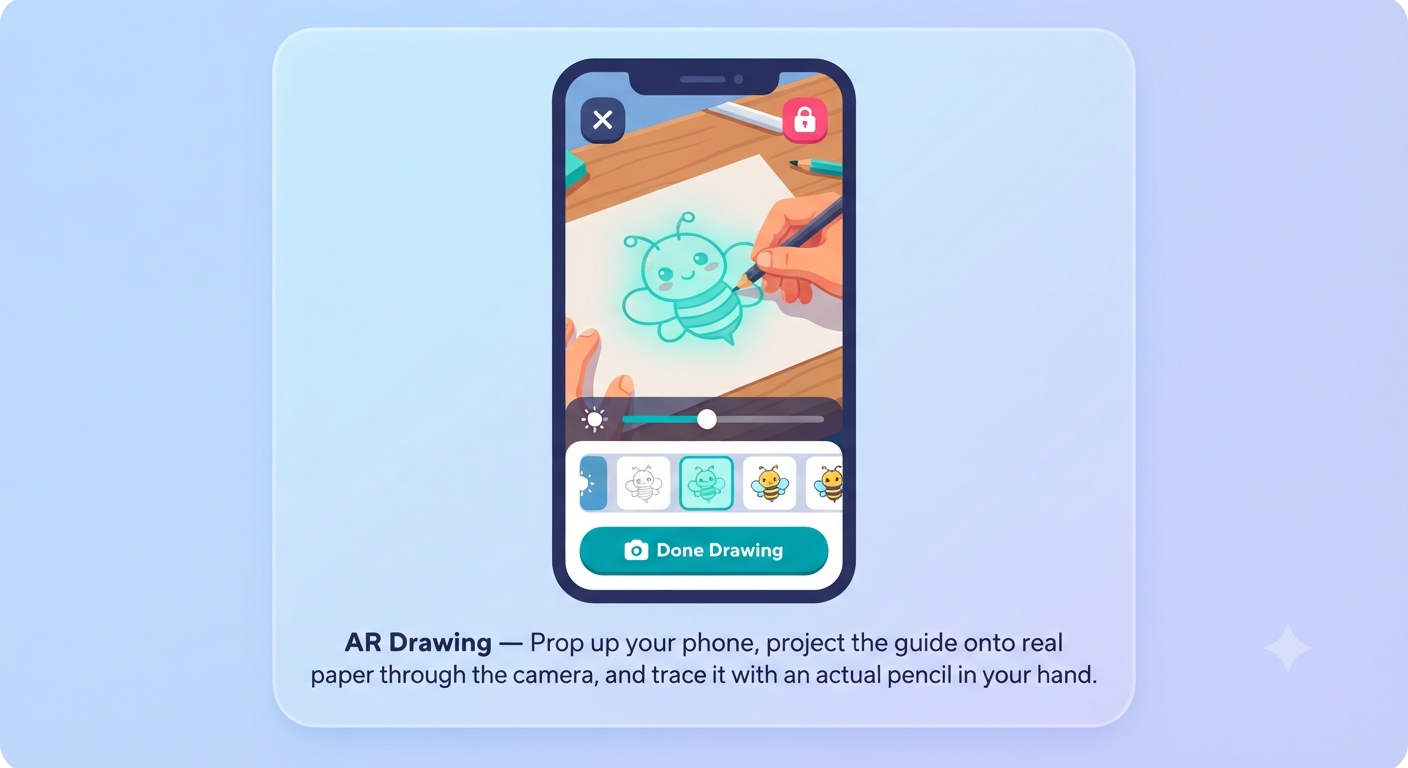
Draw with AR
Bring the guide to real paper — AR overlays each step right where you're drawing.
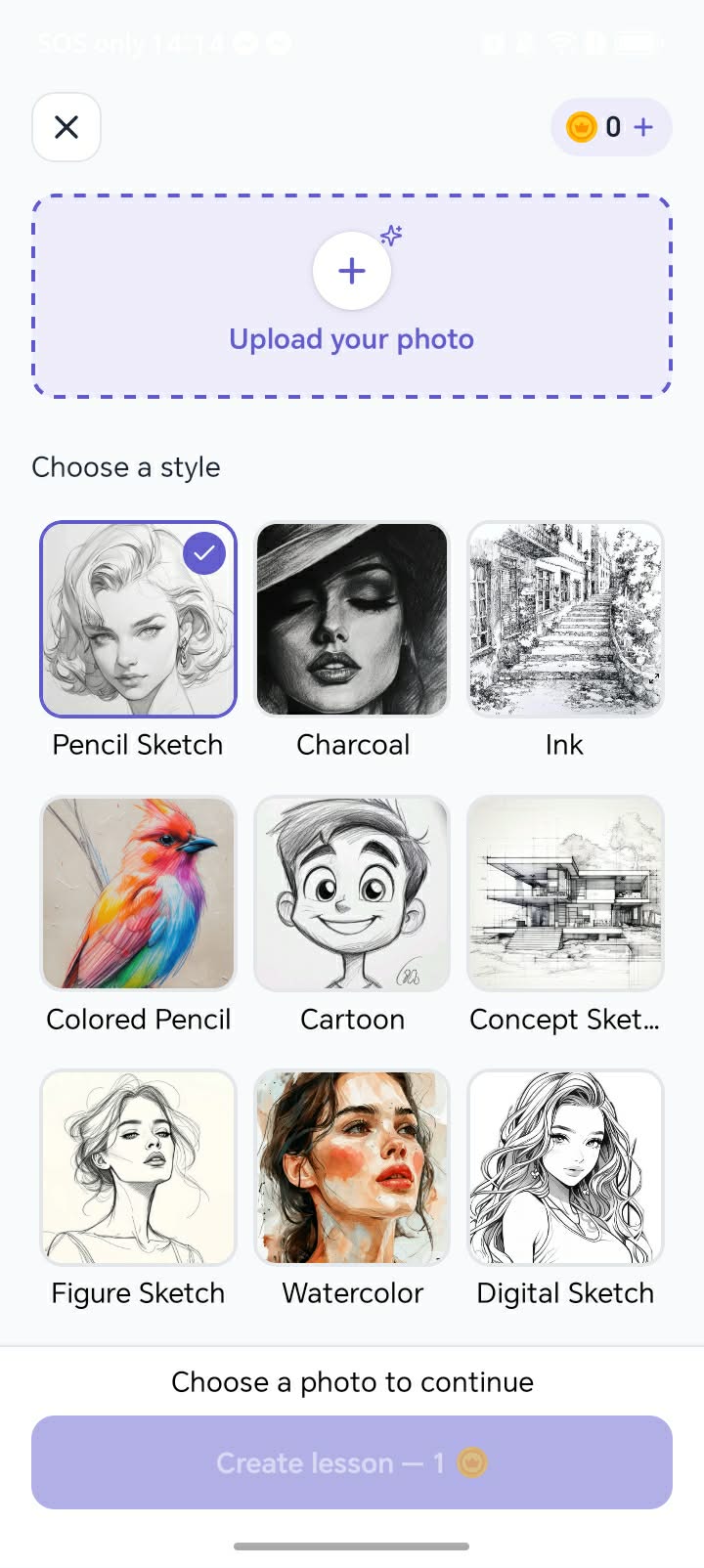
Got a Photo? Turn It Into a Lesson.
Upload any photo — your dog, a view from your last trip, anything — and Sketch Steps turns it into your own step-by-step drawing lesson, in your choice of style.
No more searching for the right reference. Pick a photo, choose a style — pencil, ink, watercolor, and more — and get a personalized lesson made just for you, ready in seconds.
What you can practice
A growing library of step-by-step lessons across every subject beginners want to draw.
Animals
Pets, wildlife, and everything in between.
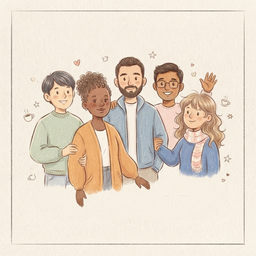
People
Proportion-guided steps for portraits and expressions.

Objects
Everyday items to build fundamentals fast.

Landscapes
Scenery, perspective, and form practice.
Popular drawing lessons
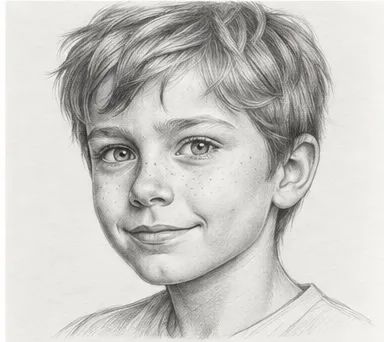
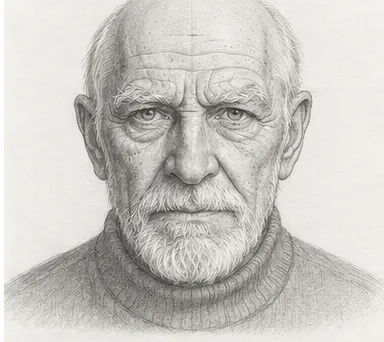
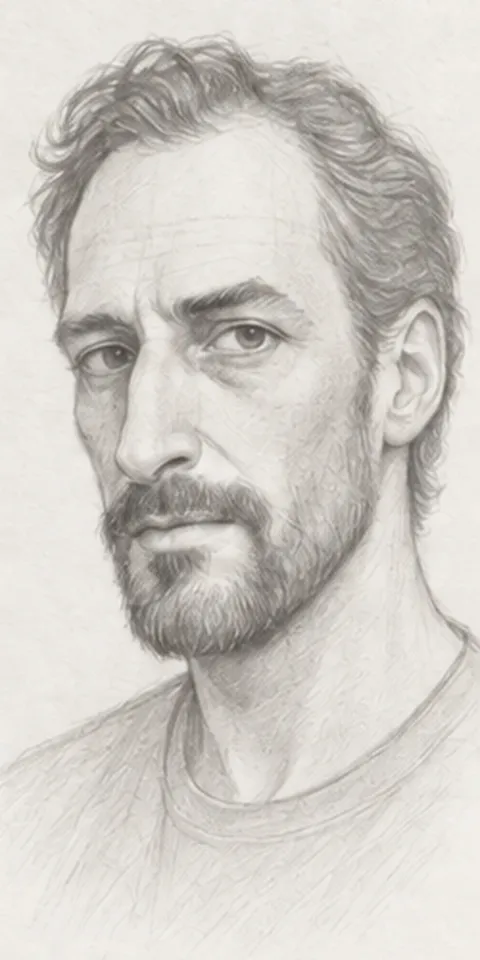
Try a free step-by-step lesson right here, then practice it in the app.



Frequently Asked Questions
Do I need any drawing experience?
None at all. Sketch Steps is built for absolute beginners. Every lesson starts from zero and breaks the drawing into small, guided steps, so you're never staring at a blank page wondering where to start.
Is this only for kids?
No — the app is designed specifically for adult beginners. The lessons, pacing, and subjects are chosen for grown-ups who want to learn a real skill, not a kids' coloring app.
What devices does it work on?
Sketch Steps is available on both iOS and Android. Download it from the App Store or Google Play and start sketching on your phone or tablet.
Is it free?
You can start sketching for free. The app also offers optional in-app purchases for additional lessons and features if you want to go further.
How is this different from watching drawing tutorials on YouTube?
Tutorials show you someone else drawing — you watch, then try to keep up. Each lesson breaks the same subject into clear, ordered steps you follow at your own pace, so you're actually practicing the skill instead of just watching it.
What if I'm not 'artistic'?
You don't need to be. Drawing is a skill you build through practice, not a talent you're born with. The step-by-step method is designed to make that practice approachable, one small step at a time.