Your photo
Sketch style
AI Photo to Sketch Converter — Turn Any Photo Into a Sketch
Upload a photo, pick a style — get a hand-drawn AI sketch in seconds. New accounts start with a free credit.
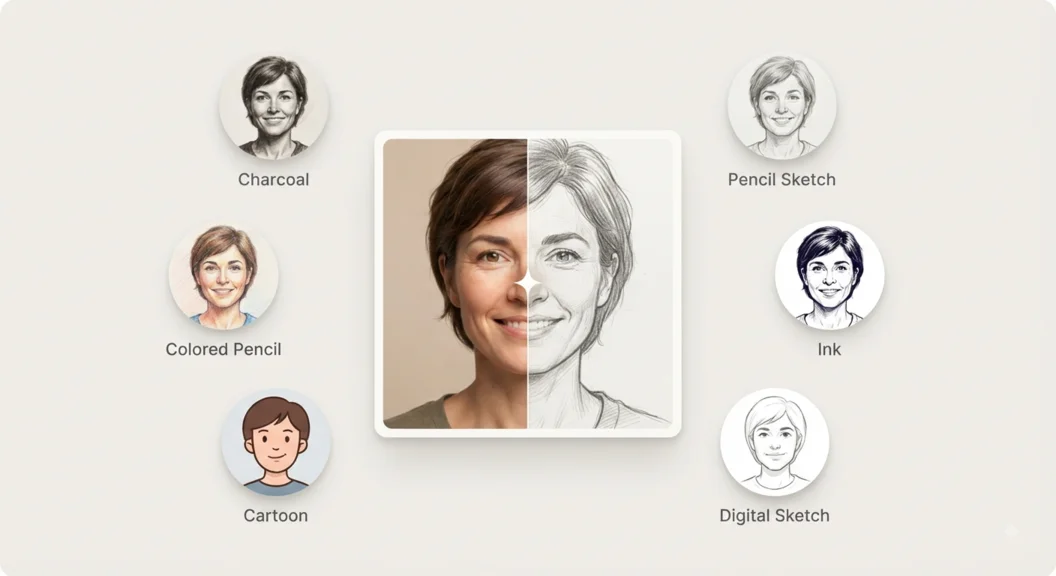
How the AI Photo to Sketch Converter Works
Upload & choose a style
Upload your photo and pick Pencil, Charcoal, Ink, and more.
Sign in
Sign in with Google — takes a few seconds.
Get your sketch
Your AI-generated sketch is ready in seconds.
Photo to Sketch Styles You Can Try
Every style below is real AI style transfer, not a filter preset — pick one and the AI sketch generator redraws your photo to match it.
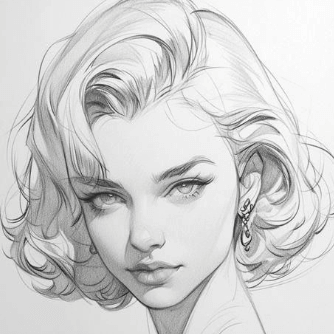
Pencil
A classic graphite sketch with soft shading and fine linework.
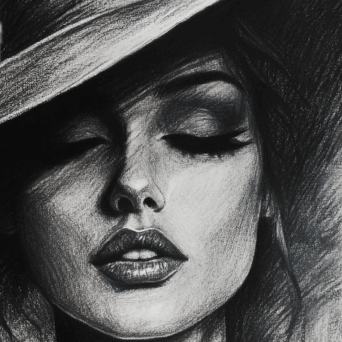
Charcoal
Bold, high-contrast strokes for a dramatic hand-drawn look.
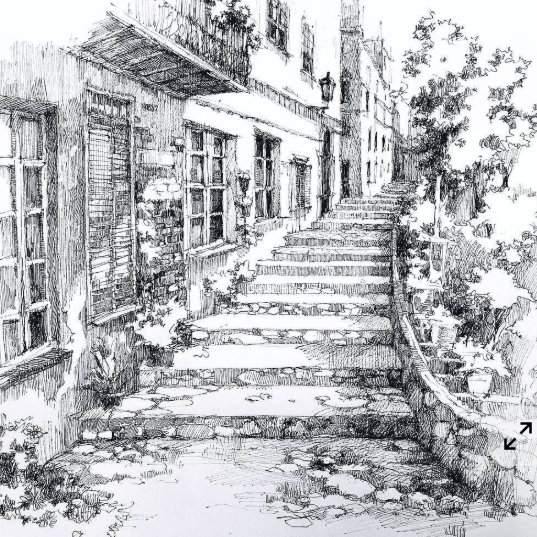
Ink
Confident black-ink linework and hatching for a bold, illustrative sketch.
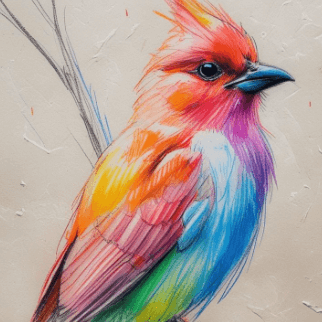
Colored Pencil
Soft, layered color with visible pencil texture, like a hand-colored illustration.
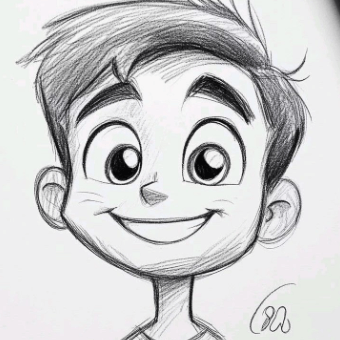
Cartoon
Simplified shapes and bold outlines for a clean, playful illustration.
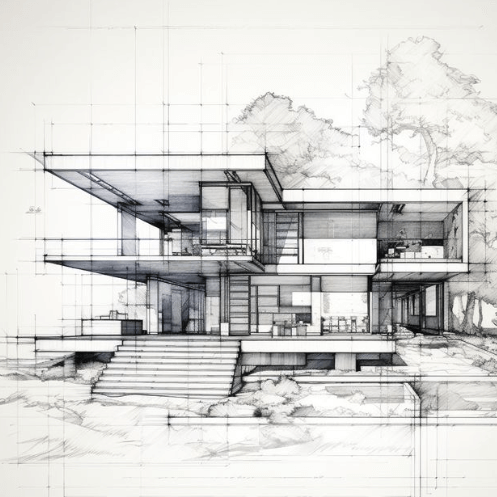
Concept Sketch
Loose, gestural linework with light tonal shading, like a concept artist's sketchbook.
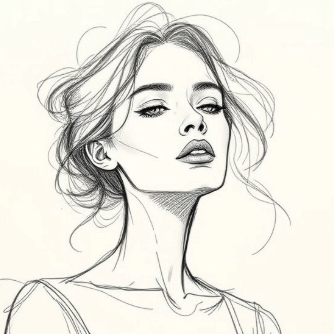
Figure Sketch
Proportion-focused line art with minimal shading, built for figure-drawing practice.
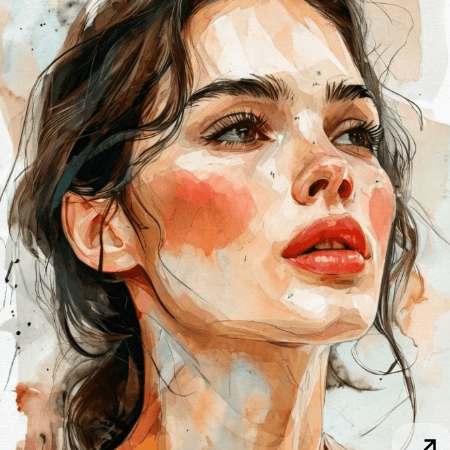
Watercolor
Soft color washes and visible paper texture for a painterly sketch.
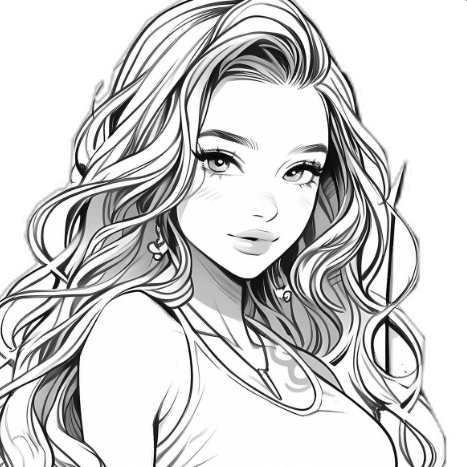
Digital Sketch
Smooth, vector-like linework with flat shading for a clean digital illustration.
Why Use the SketchStep Photo to Sketch App
Most free tools that turn a photo into a sketch just run one canned filter over every image — same edge-detection, same look, no matter what you upload. SketchStep is a real AI sketch generator: it reads the actual content of your photo — the lighting, the shapes, the texture — and redraws it in the style you pick, so the result looks like something a person actually sketched by hand, not a photo with a filter slapped on top.
That makes it useful for more than a novelty effect. Turn a portrait into a pencil sketch for a personalized gift, convert a pet photo into a charcoal drawing print, or turn a travel photo into a watercolor keepsake — no drawing skill required. Because the AI photo to sketch converter runs entirely in your browser, there's nothing to install: upload, pick a style, and download the result in seconds.
Every sketch you generate here can also become a full step-by-step drawing lesson in the SketchStep app — the same AI reference image gets broken down into guided steps you can trace and practice, on your phone or with AR overlaid on real paper. Credits are shared between the web tool and the app, so a pack you buy here works in both places.
- Real AI style transfer, not a fixed filter
- 9 styles to choose from — Pencil, Charcoal, Ink, Watercolor, and more
- Your sketch can become a full step-by-step drawing lesson in the SketchStep app
Credits & Pricing
Frequently Asked Questions
Is the AI photo to sketch converter free?
New accounts start with a free credit — no credit card required. After that, sketches use credits you can buy directly on this page (or in the SketchStep app, since credits are shared with your account).
Do I need to create an account?
Yes — sign in with Google. A free account lets us save your credits and keep your free trial gated to one per person, so it stays available for everyone.
What photo formats can I upload?
JPG, PNG, WEBP, and GIF, up to 10MB.
What sketch styles are available?
Nine styles: Pencil, Charcoal, Ink, Colored Pencil, Cartoon, Concept Sketch, Figure Sketch, Watercolor, and Digital Sketch — pick one before you generate.
How is this different from a free online sketch filter?
Free filters apply a fixed effect to every photo. SketchStep uses real AI to interpret your photo, so results look more like an actual hand-drawn sketch rather than a simple black-and-white filter.
Can I use this on mobile?
Yes, it works right in your mobile browser — or download the SketchStep app for the full step-by-step drawing-lesson experience built around your sketch.